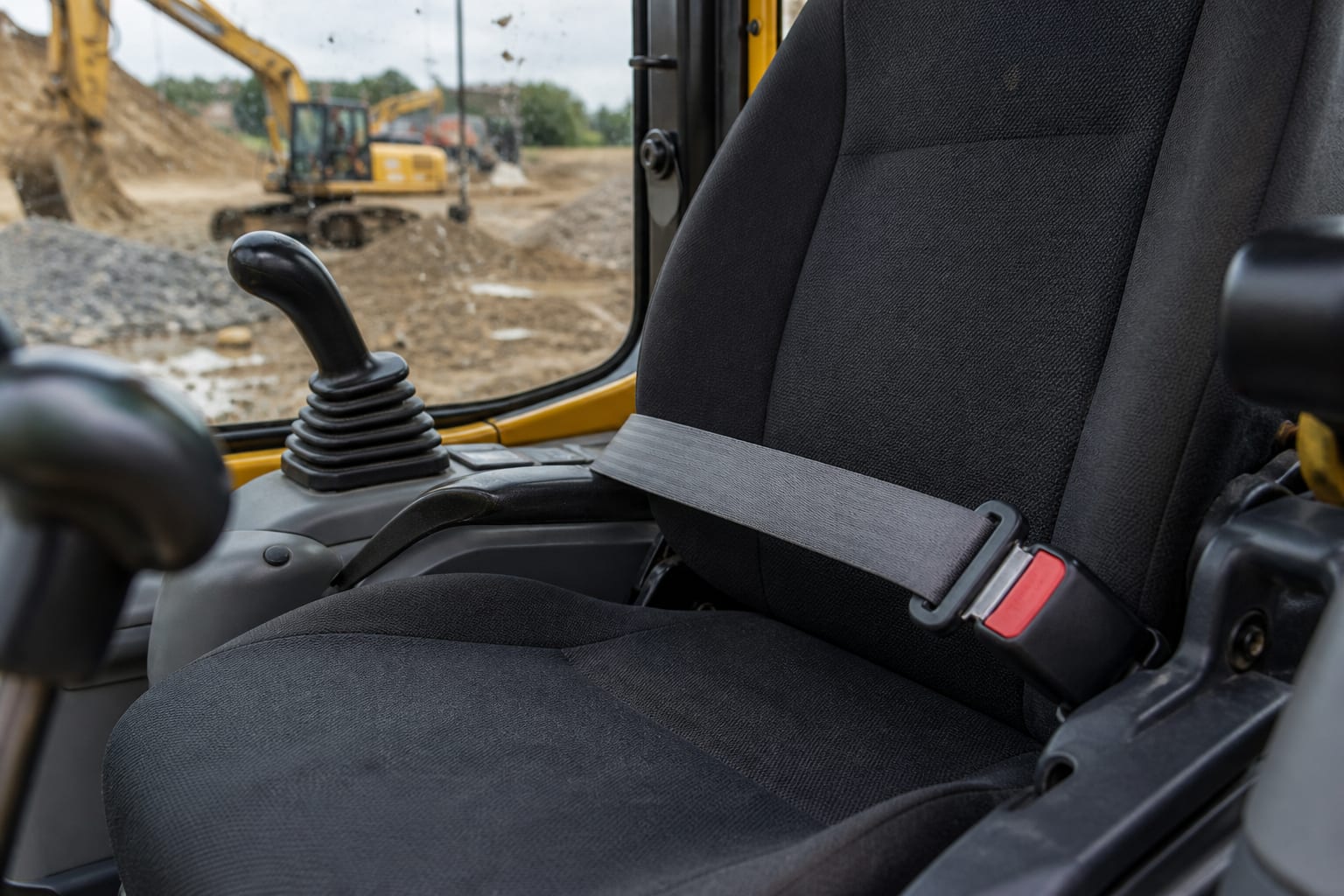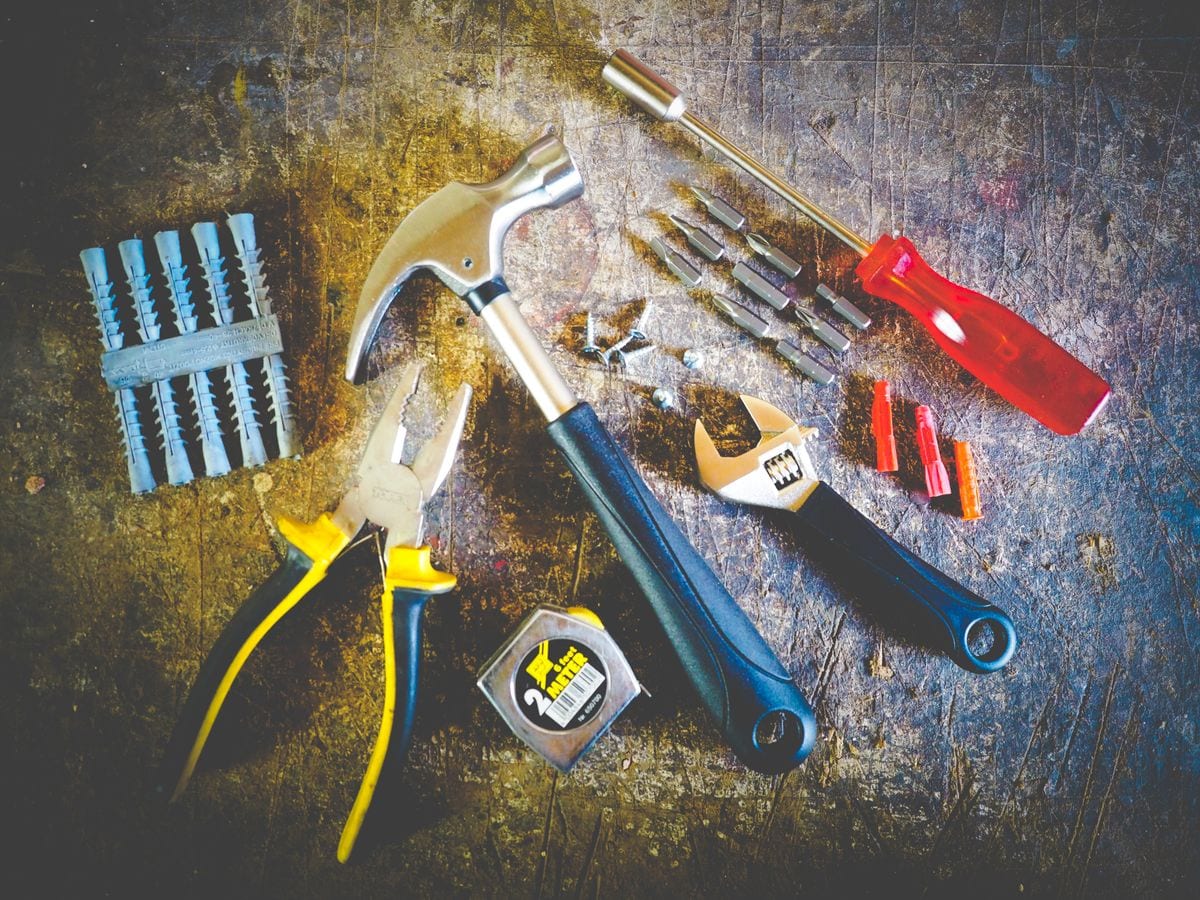


The photos that generate inquiries are simple and honest: a full side view in daylight, a front three-quarter, the cab and controls, a legible hour meter, the wear points, and every attachment included in the price. Buyers and renters scan a results page in seconds, and a dark or tightly cropped first image loses them before they read a single specification.
The shot list that covers a machine properly
Advertising
Utilaro
Publicitate pe Utilaro
Spatiu disponibil pentru furnizori, servicii si branduri din domeniul utilajelor.
Work through six frames in this order. Full side profile, machine level and boom in a neutral position, so the proportions read correctly. Front three-quarter from about knee height, the angle that makes equipment look solid rather than distorted. Cab interior showing seat, controls, and screen condition. Hour meter, close enough that the number is readable. Wear points: undercarriage or tyres, bucket teeth and cutting edge, pins and bushings, boom cylinders. Finally, all attachments laid out together so nobody has to ask what is included.
If the machine has a fault, photograph it. A dent or an oil weep that you disclose costs far less than one discovered at handover, and it filters out buyers who would have walked away later anyway.
Conditions that make phone photos look professional
Shoot outdoors in daylight, ideally on an overcast day or in the softer light of morning and late afternoon. Midday sun creates hard shadows across the machine and blows out the yellow. Keep the sun behind you, not behind the machine.
Wash the machine first. Twenty minutes with a pressure washer visibly changes the perceived condition and the price people expect to pay. Move pallets, cables, and other machines out of frame. Include a person, a cone, or a bucket for scale. Hold the phone horizontally, stand far enough back to fit the whole machine with a little space around it, and avoid heavy filters, which read as an attempt to hide something.
Choose the cover image deliberately
On Utilaro you can upload up to six compressed photos, so every slot has to earn its place. Lead with the strongest full-machine angle as the cover, because that thumbnail is what competes on the rent and sale result pages. Follow it with the cab, the hour meter, the wear points, and the attachments.
Set the cover when you create a listing, and refresh your photos after a major service, a repaint, or a new attachment. Fresh images signal an active listing, and a listing that looks maintained gets messaged first.
Photos are half the job — captions and intent do the rest
Match the images with a clear title (brand, model, year), the hours, the region you cover, and whether the machine is for rent, for sale, or both. Shoppers arriving from search should understand the offer without sending a message. For everything else worth adding before you publish, use the owner checklist.
FAQ
How many photos should a listing have? Six good ones beat twenty repetitive ones. Cover the full machine, the cab, the hour meter, the wear points, and the attachments, then stop.
Should I photograph damage? Yes. Disclosed faults build trust and reduce cancellations; hidden ones cost you the deal at handover and often the reputation afterwards.
Do I need a proper camera? No. A recent phone in daylight is more than enough. Cleanliness, framing, and light matter far more than the sensor.
Ready to reshoot? Take the six frames this week, update your advert from list equipment, then compare how your cover image holds up next to similar machines on rent.